
Next.js searchParams Are Not Type-Safe Yet: Practical Patterns for Validating Query Strings in App Router

Next.js searchParams arrive as string | string[] | undefined. Manual type guards, Zod schemas, and nuqs offer three approaches to validate query strings safely in App Router.
Next.js App Router exposes query strings through the searchParams prop on Page components. TypeScript gives each param a type of string | string[] | undefined, meaning every read requires a runtime check. Teams face silent bugs when a pagination offset arrives as an array, when a filter key vanishes, or when a numeric ID coerces to NaN. Validation libraries eliminate the boilerplate, but manual patterns remain simpler for single-use cases.
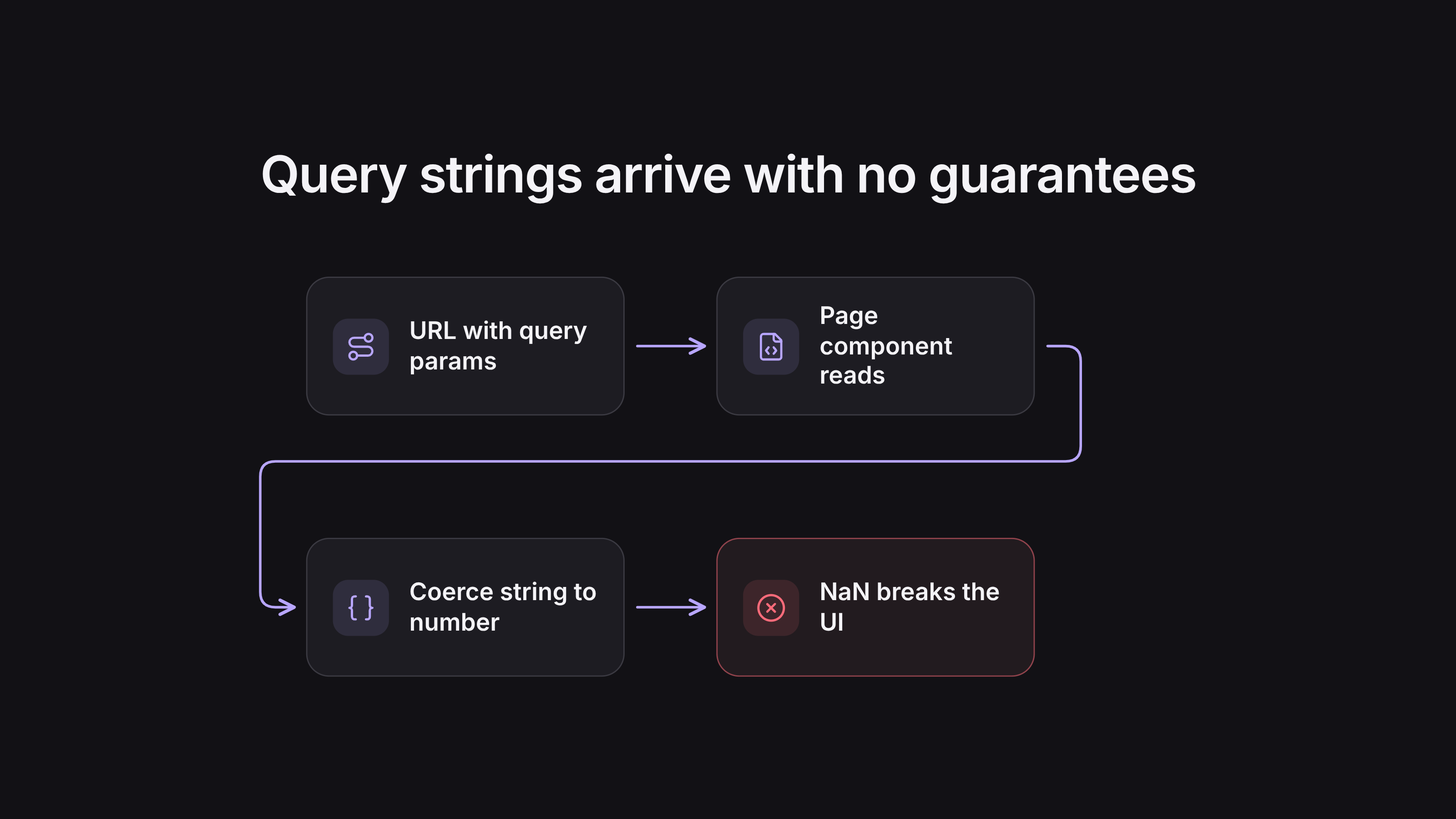
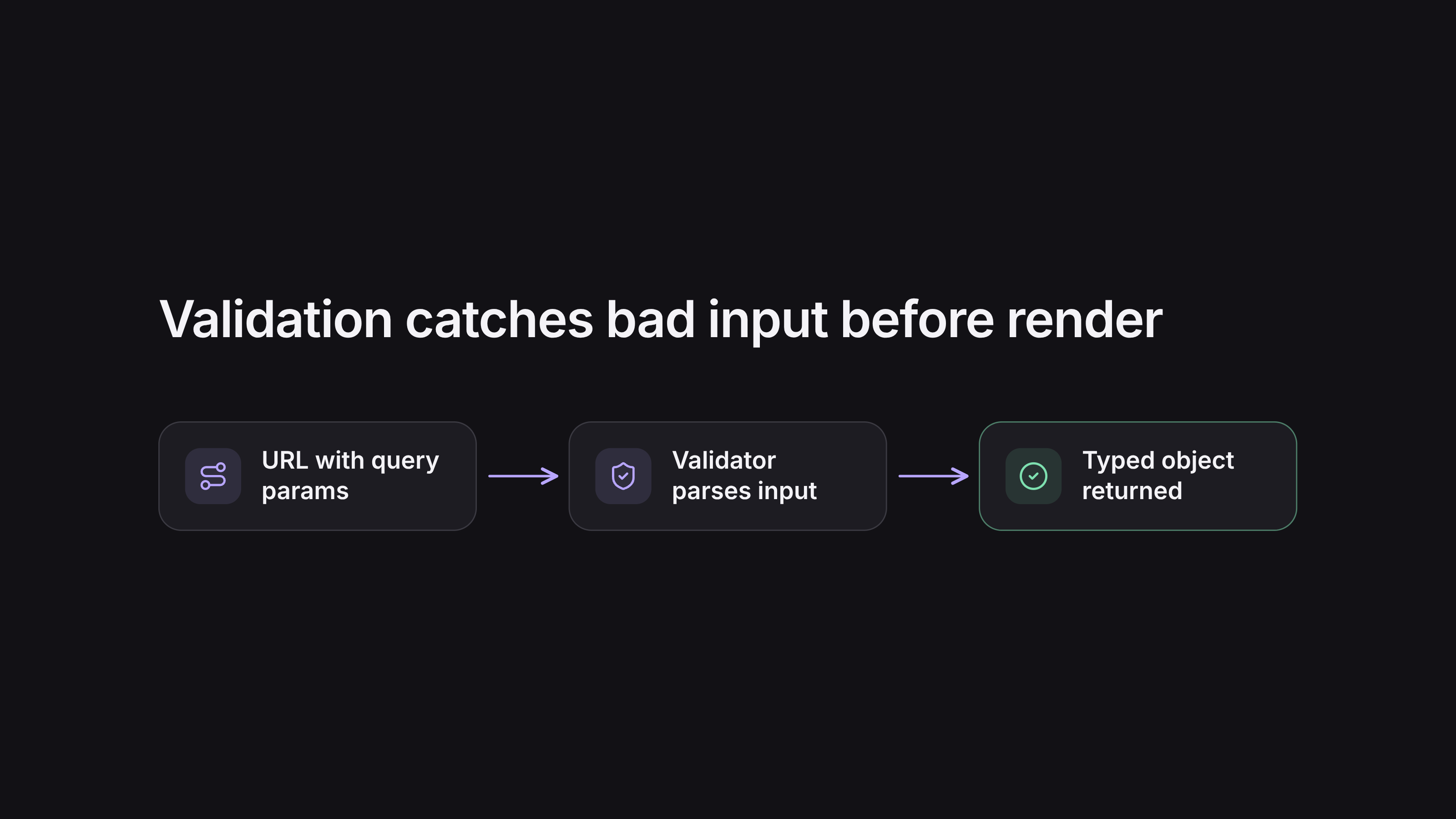
The built-in type does not enforce constraints on param values. A validated parse transforms raw params into a known shape, fails early on malformed input, and surfaces the problem before rendering.
Key Takeaways
- Next.js
searchParamsarrive asstring | string[] | undefinedwith no runtime guarantee; every read requires a check. - Manual type guards validate single params inline; schema libraries eliminate boilerplate for forms with multiple fields.
- Arrays appear when the same key repeats in the query string; validate every element to avoid coercion bugs.
- The nuqs library offers type-safe hooks but doubles page rerenders; weigh the tradeoff against manual validation.
- Building a reusable validator once centralizes validation logic and surfaces parse failures before components render.
The Built-In searchParams Type: string | string[] | undefined
Next.js 15 made searchParams a promise to align with async rendering. After awaiting the prop, each key maps to string | string[] | undefined. TypeScript enforces this union but cannot narrow the type to a single string without a runtime check.
A URL like /shop?category=shoes&size=10 produces { category: 'shoes', size: '10' }. The same URL with a repeated key, /shop?tag=sale&tag=new, produces { tag: ['sale', 'new'] }. When the query string omits a key entirely, the value is undefined. The framework does not parse numbers, booleans, or JSON.
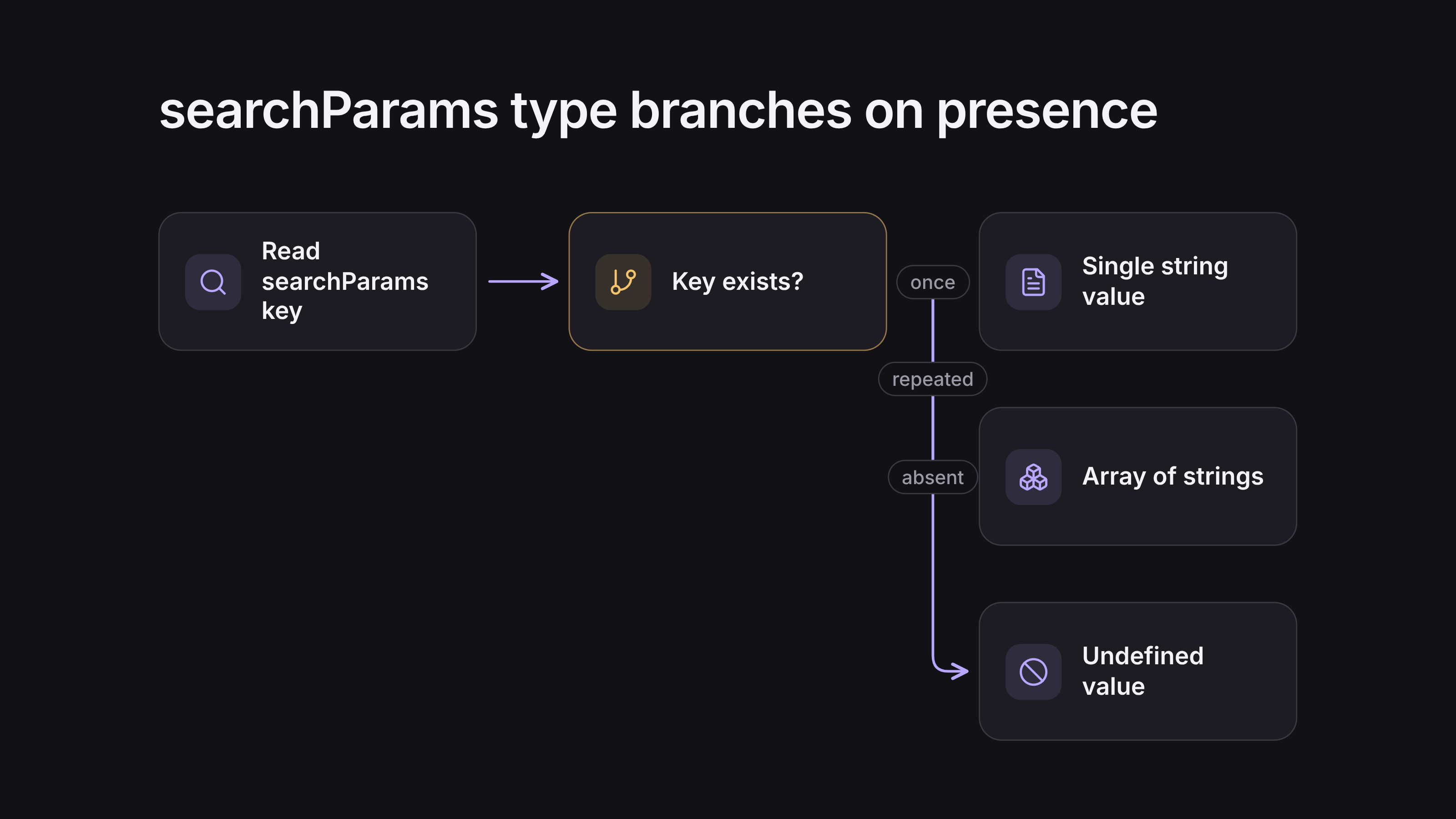
The shape forces defensive code. Reading searchParams.page without a check assumes the param exists and contains a single value. When a user omits the key, the read returns undefined. When the key repeats, the read returns an array. Both produce bugs downstream.
export default async function Page({
  searchParams,
}: {
  searchParams: Promise<{ [key: string]: string | string[] | undefined }>;
}) {
  const params = await searchParams;
  const page = params.page; // string | string[] | undefined
  const offset = Number(page); // NaN when page is undefined or an array
  // offset breaks pagination
}
The framework does not validate the shape at build time. A type assertion like page as string suppresses the error but does not fix the problem. The param remains undefined or an array at runtime.
Manual Validation Pattern: Type Guards and Runtime Checks
A manual validator reads searchParams, checks each required key, and returns a typed object or throws an error. This approach works when a single Page component owns validation logic and the param set remains small.
The validator starts by checking if the key exists. A missing key means the user did not supply it, so the validator either returns a default or rejects the request. A present key still requires a check to distinguish a single string from an array.
function validateSearchParams(params: {
  [key: string]: string | string[] | undefined;
}) {
  const page = params.page;

  if (page === undefined) {
    return { page: 1 };
  }

  if (Array.isArray(page)) {
    throw new Error("page cannot be an array");
  }

  const parsed = Number(page);

  if (Number.isNaN(parsed) || parsed < 1) {
    throw new Error("page must be a positive integer");
  }

  return { page: parsed };
}
The function isolates the validation from the render logic. The Page component calls the validator, receives a typed result, and renders without additional checks.
export default async function Page({
  searchParams,
}: {
  searchParams: Promise<{ [key: string]: string | string[] | undefined }>;
}) {
  const params = await searchParams;
  const { page } = validateSearchParams(params);

  // page is number, guaranteed to be >= 1
  const offset = (page - 1) * 20;
}
This pattern scales poorly when the param count grows. Each new field adds another block of conditionals. The validator duplicates the structure in every Page that reads query strings.

Zod Schema Validation for searchParams
Zod parses untyped input and returns a typed object. The schema defines the expected shape, and safeParse returns either a success with data or a failure with errors. Validation happens in one call.
A schema for pagination defines the page param as an optional string, coerces it to a number, and enforces a minimum of one. Zod handles the type narrowing and the coercion in a single chain.
import { z } from "zod";

const searchParamsSchema = z.object({
  page: z.coerce.number().int().min(1).default(1),
  sort: z.enum(["name", "price", "date"]).default("name"),
  tags: z.string().array().optional(),
});

export default async function Page({
  searchParams,
}: {
  searchParams: Promise<{ [key: string]: string | string[] | undefined }>;
}) {
  const params = await searchParams;
  const result = searchParamsSchema.safeParse(params);

  if (!result.success) {
    throw new Error("Invalid search params");
  }

  const { page, sort, tags } = result.data;
  // page: number, sort: "name" | "price" | "date", tags: string[] | undefined
}
Zod coerces the string "3" to the number 3 automatically. The schema rejects non-numeric strings, negative numbers, and arrays. The default method supplies a fallback when the key is missing.
The tags field demonstrates array validation. Zod expects an array when the schema calls .array(). When the param arrives as a single string, the coercion fails. To handle both cases, transform the input before parsing.
const searchParamsSchema = z
  .object({
    tags: z.union([z.string(), z.string().array()]).optional(),
  })
  .transform((data) => ({
    tags: data.tags ? (Array.isArray(data.tags) ? data.tags : [data.tags]) : undefined,
  }));
The union accepts a string or an array of strings. The transform step normalizes both to an array when present. This pattern centralizes the conditional logic.
Zod schemas compose. A shared baseParamsSchema defines common fields like page, and route-specific schemas extend it.
const baseParamsSchema = z.object({
  page: z.coerce.number().int().min(1).default(1),
});

const productParamsSchema = baseParamsSchema.extend({
  category: z.string().optional(),
  minPrice: z.coerce.number().min(0).optional(),
});
This eliminates duplication across Pages. Changes to pagination logic propagate to all routes that extend the base schema.
nuqs vs Manual Validation: When to Reach for a Library
The nuqs library offers hooks that parse and update searchParams with type safety. The hook returns a typed value and a setter that updates the URL. The tradeoff is an extra rerender: nuqs reads the URL on the client, so the initial server render uses defaults, and the client rehydrates with the actual param.
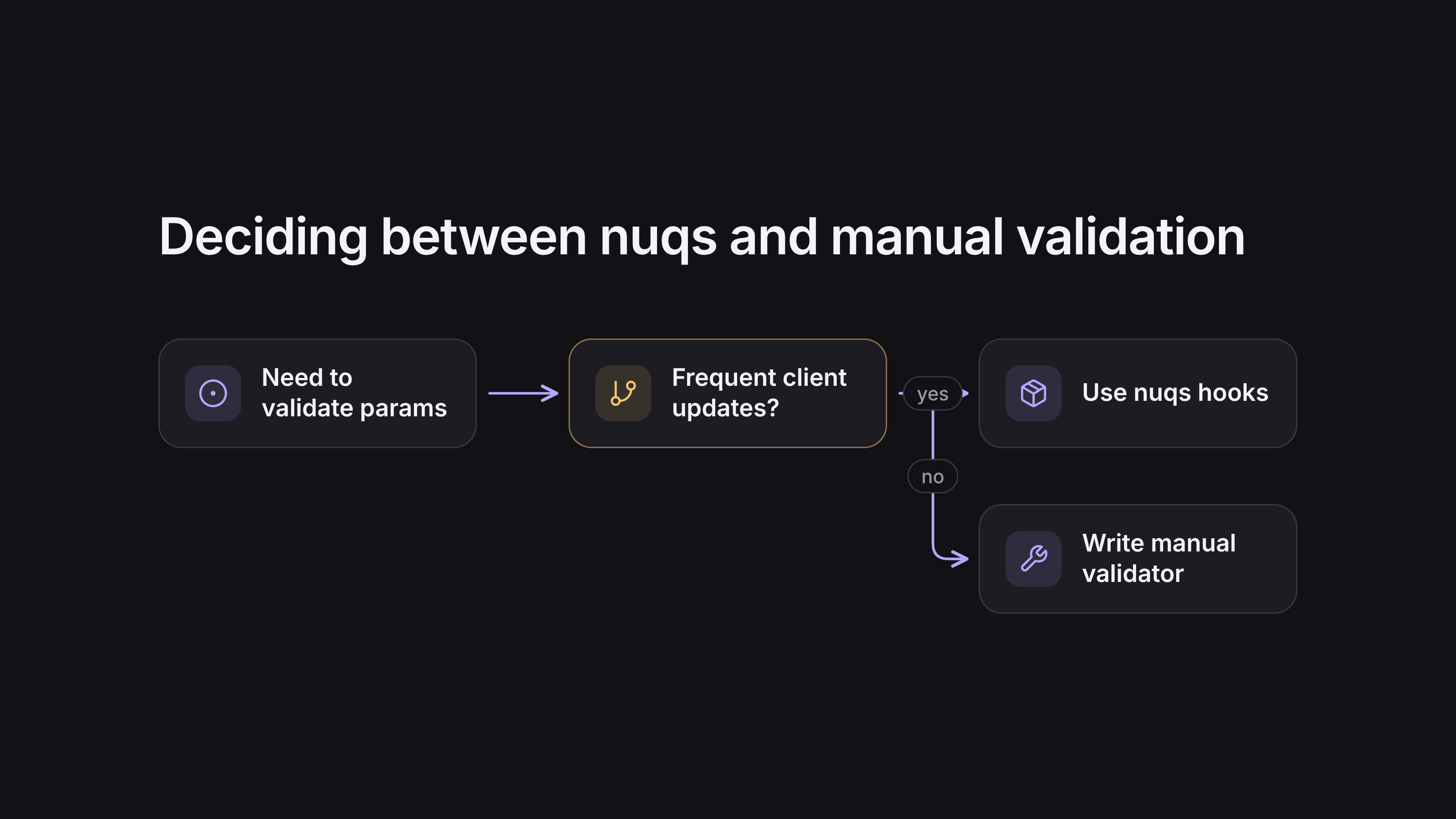
A filter panel that updates on every checkbox click benefits from client-side state. Manual validation forces a server roundtrip. nuqs updates the URL and rerenders without a navigation.
"use client";

import { useQueryState } from "nuqs";

export default function FilterPanel() {
  const [category, setCategory] = useQueryState("category");

  return (
    <select value={category ?? ""} onChange={(e) => setCategory(e.target.value)}>
      <option value="">All</option>
      <option value="shoes">Shoes</option>
      <option value="clothing">Clothing</option>
    </select>
  );
}
The hook parses the category param and returns a string or null. The setter updates the URL and triggers a rerender. The component does not need a form submission or router navigation.
Manual validation wins when the Page component reads params once and does not update them. A server-rendered table that sorts on mount does not need client state. The validator runs in the Page, and the result passes to a Server Component.
| Feature | nuqs | Manual Validation |
|---|---|---|
| Client-side updates | Setter updates URL without navigation | Requires router.push or form submission |
| Server-first rendering | Defaults render, then hydrates with param | Reads param on server, renders once |
| Type safety | Hook infers type from parser | Type guard or Zod schema |
| Complexity | Additional dependency, client-side logic | Pure function, no extra deps |
| Rerender count | Two renders per page load | One render |
The double-render nuqs introduces is measurable. A server-rendered Page with nuqs hooks renders with default values, then rerenders with the parsed params. The client sees a flicker when the param changes the UI.
Practical Patterns: Pagination, Filters, and Multi-Value Params
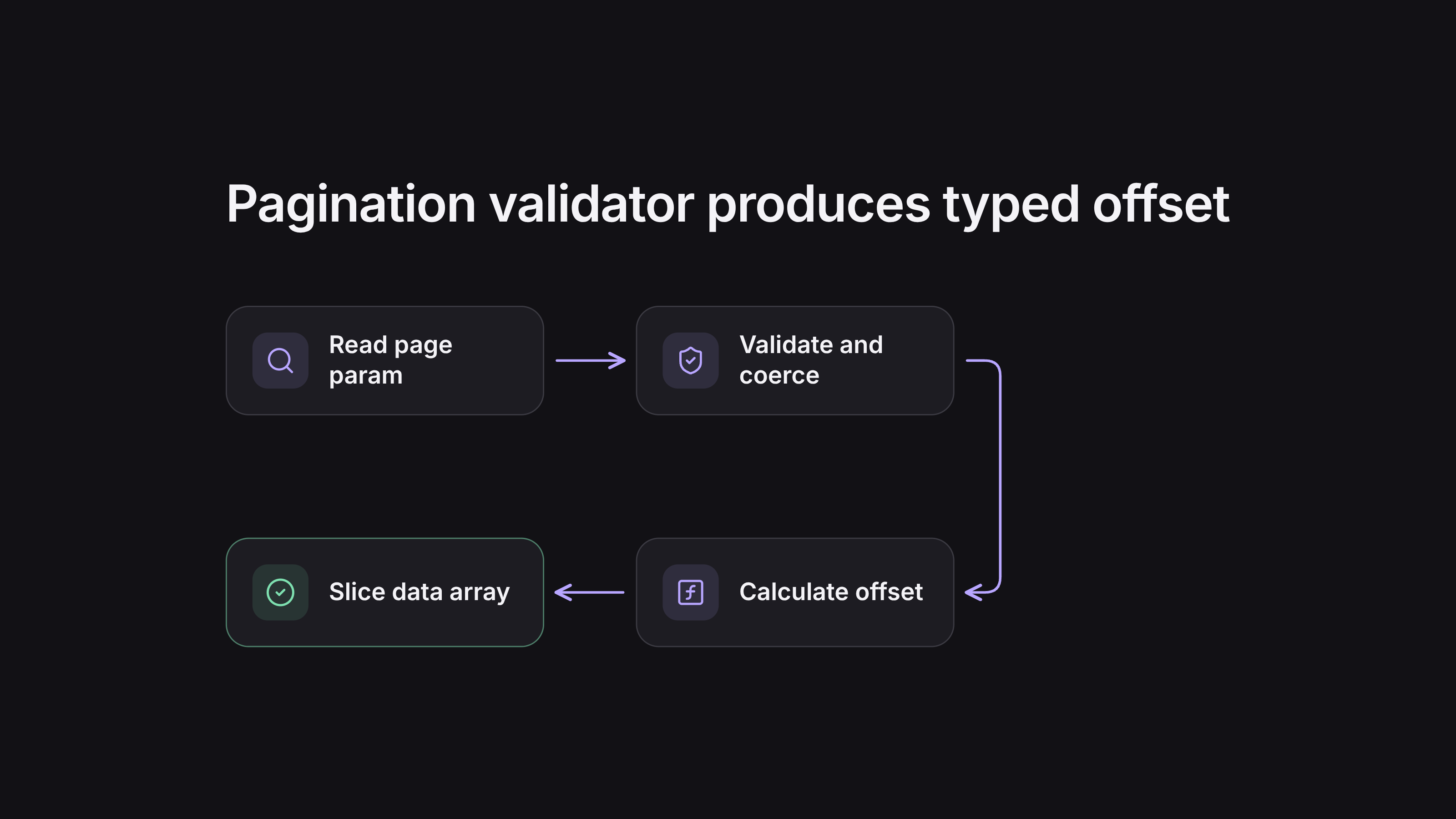
Pagination offsets derive from a page param. The validator coerces the string to a number, enforces a minimum, and calculates the offset.
function validatePagination(params: { [key: string]: string | string[] | undefined }) {
  const page = params.page;

  if (page === undefined || Array.isArray(page)) {
    return { page: 1, offset: 0 };
  }

  const parsed = Number(page);

  if (Number.isNaN(parsed) || parsed < 1) {
    return { page: 1, offset: 0 };
  }

  return { page: parsed, offset: (parsed - 1) * 20 };
}
The function returns both the page number and the offset. The Page component uses the offset to slice the data array.
Filters combine multiple params into a query object. Each param maps to a filter condition. The validator normalizes missing keys to undefined and validates enum constraints.
function validateFilters(params: { [key: string]: string | string[] | undefined }) {
  const category = params.category;
  const minPrice = params.minPrice;

  return {
    category: typeof category === "string" ? category : undefined,
    minPrice:
      typeof minPrice === "string" && !Number.isNaN(Number(minPrice))
        ? Number(minPrice)
        : undefined,
  };
}
The function returns an object with optional fields. The Page passes this object to a data-fetching function that builds a SQL query.
Multi-value params appear when the same key repeats. A tags param like ?tags=sale&tags=new produces { tags: ['sale', 'new'] }. The validator ensures the value is always an array.
function validateTags(params: { [key: string]: string | string[] | undefined }) {
  const tags = params.tags;

  if (tags === undefined) {
    return { tags: [] };
  }

  if (typeof tags === "string") {
    return { tags: [tags] };
  }

  return { tags };
}
This pattern eliminates conditional logic in the render. The Page receives an array in every case.

Common Pitfalls: Type Coercion, Missing Keys, and Array Params
Type coercion silently fails when the input does not match expectations. Number("abc") returns NaN, which passes through without error. A comparison like page > 0 evaluates to false when page is NaN, but the code continues.
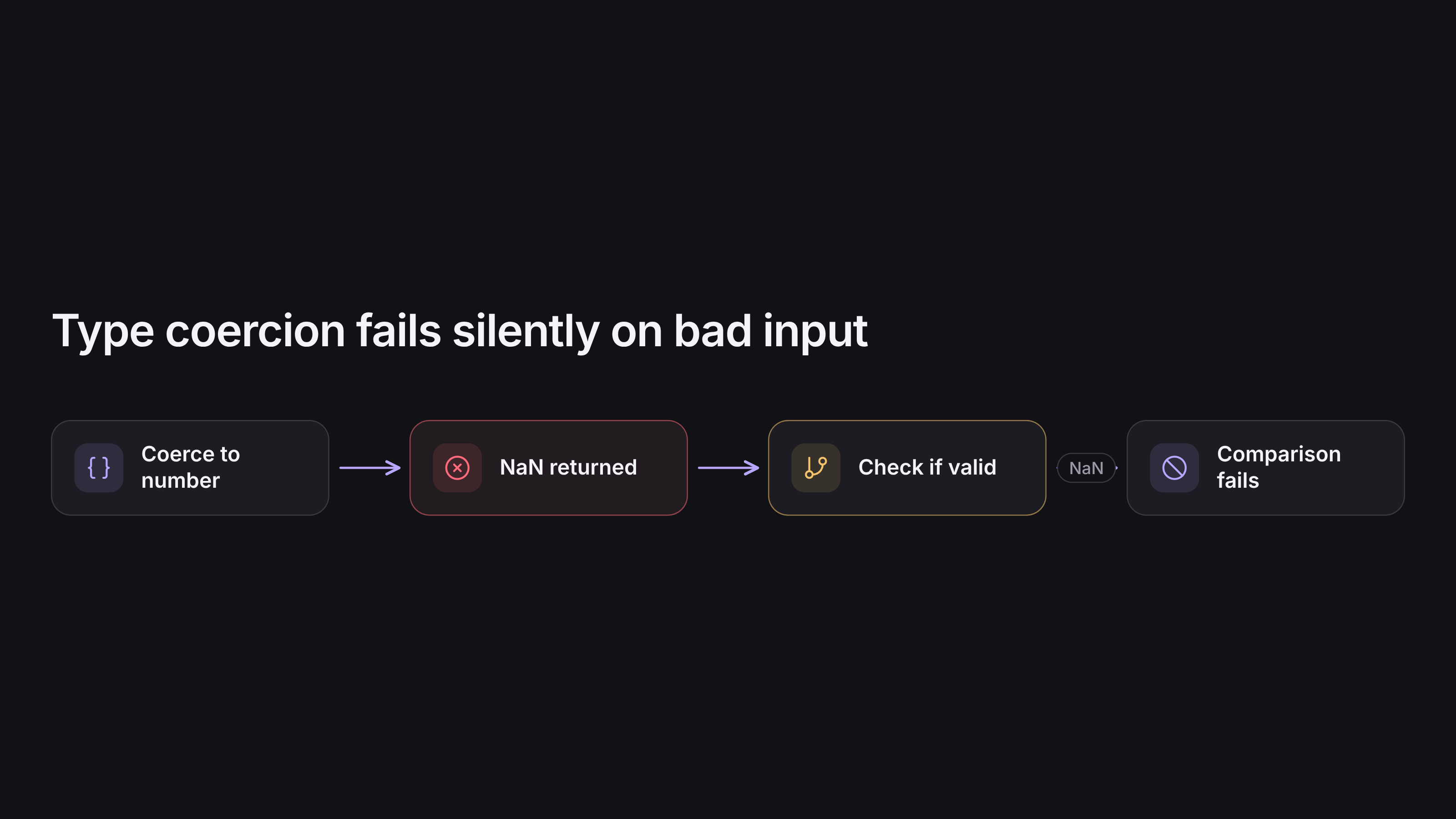
Explicit checks catch coercion failures. Number.isNaN(parsed) returns true when the coercion produces NaN. The validator throws an error or returns a default.
const parsed = Number(page);

if (Number.isNaN(parsed)) {
  throw new Error("page must be a number");
}
Missing keys produce undefined. Accessing a property on undefined throws a runtime error. Reading searchParams.page.length crashes when page is missing.
const page = params.page;

if (page === undefined) {
  return { page: 1 };
}

// safe to access page properties
Array params break coercion when the code expects a single string. Number(['5', '10']) returns NaN. The validator checks if the value is an array before coercing.
if (Array.isArray(page)) {
  throw new Error("page cannot be an array");
}
This check surfaces the error immediately. The alternative is to coerce the first element, but that hides the problem.
Boolean params arrive as strings. ?active=true produces { active: 'true' }, which is a truthy string. Comparing active === true evaluates to false. Parse booleans explicitly.
const active = params.active === "true";This pattern works when the param is either "true" or missing. A three-state boolean (true, false, undefined) requires a stricter check.
const active =
  params.active === "true" ? true : params.active === "false" ? false : undefined;
Frequently Asked Questions
Why does Next.js type searchParams as string | string[] | undefined instead of a narrower type?
Next.js cannot statically analyze which keys appear in the query string, so it uses a broad union that covers all cases. A single key may be omitted (undefined), supplied once (string), or repeated (string[]). TypeScript enforces this union to prevent bugs from assuming a single string when the param is an array or missing.
When should I use Zod instead of manual type guards for searchParams validation?
Zod eliminates boilerplate when validating multiple params with complex constraints. Manual type guards work for one or two simple params. When the param count exceeds three, or when coercion logic duplicates across Pages, a Zod schema centralizes the validation. Schemas compose and share defaults, reducing duplication.
Does nuqs cause a performance problem with its double-render pattern?
The double-render is measurable but rarely a bottleneck. A server-rendered Page with nuqs hooks renders with defaults, then rerenders with the parsed params after hydration. The client sees a flicker when the param changes the UI. For server-first pages that read params once and do not update them, manual validation avoids the extra render. For interactive filters that update frequently, nuqs eliminates the form submission roundtrip.
How do I validate array params like tags without breaking on a single string?
Normalize the param to an array before validation. When the param is a single string, wrap it in an array. When the param is already an array, return it unchanged. When the param is missing, return an empty array. This eliminates conditionals in the render.
Can I validate searchParams at build time with TypeScript generics?
No. TypeScript does not enforce constraints on runtime values, so a type assertion does not validate the input. The param arrives at runtime with no guarantee that it matches the type. Validation requires a runtime check using a type guard or a schema parser.
Building a Type-Safe searchParams Validator Once
A reusable validator wraps the validation logic and surfaces parse failures before components render. The validator takes a schema, parses the params, and throws an error or redirects when the parse fails.
import { z } from "zod";
import { redirect } from "next/navigation";

export function validateSearchParams<T extends z.ZodTypeAny>(
  params: { [key: string]: string | string[] | undefined },
  schema: T
): z.infer<T> {
  const result = schema.safeParse(params);

  if (!result.success) {
    redirect("/error?message=Invalid search params");
  }

  return result.data;
}
The function accepts any Zod schema and returns the inferred type. The Page calls the validator, receives a typed object, and renders without additional checks.
const paginationSchema = z.object({
  page: z.coerce.number().int().min(1).default(1),
});

export default async function Page({
  searchParams,
}: {
  searchParams: Promise<{ [key: string]: string | string[] | undefined }>;
}) {
  const params = await searchParams;
  const { page } = validateSearchParams(params, paginationSchema);

  // page is number, guaranteed to be >= 1
}
This pattern centralizes validation and reduces duplication. Changes to validation logic happen in one place. Teams define schemas in a shared module and import them across Pages.
Runtime validation protects against malformed query strings. Next.js does not enforce constraints at build time, so every read requires a check. Manual type guards work for small param sets. Zod eliminates boilerplate for complex schemas. The nuqs library offers client-side hooks but doubles page renders. A reusable validator wraps the validation logic and surfaces parse failures before rendering.