
Last updated: July 2026
The 7 Best Budget Programming Laptops in 2026
This guide is for students, career switchers, and side-project developers who need a capable coding machine under $900. A laptop in this price range in 2026 can comfortably run VS Code, Node, React, and one Docker container — but you need to be selective about RAM (always 16GB), upgradeability, and display quality to avoid buyer's remorse six months in.
Disclosure: some links in this article are affiliate links. If you sign up through one, I may earn a commission at no extra cost to you.
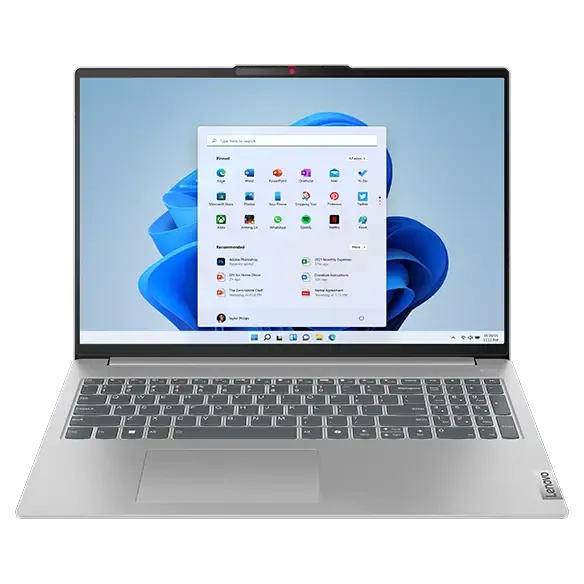
Lenovo IdeaPad Slim 5 Gen 9
Value-driven devs who want user-upgradeable RAM + SSD at the $600 tier.
$600.00from
Check price →- Prices verified July 2026
- 7 laptops compared
- No sponsored placement
Lenovo IdeaPad Slim 5 Gen 9
Editor's Pick- CPU / RAM
- AMD Ryzen AI 7 350 / 16GB DDR5-5600 (dual SODIMM — upgradeable)
- Display
- 16" IPS LCD
- Battery
- ~10 hr
- Price
- $600.00$999.00 — 16" IPS / AMD Ryzen AI 7 350 / 16GB DDR5-5600 — was $999 MSRP
Best for: Value-driven devs who want user-upgradeable RAM + SSD at the $600 tier.
Rare dual SODIMM + dual M.2 slots at this price — actually upgradeable.
IPS LCD only; audible fan noise under compile load.
Framework Laptop 13 DIY
- CPU / RAM
- AMD Ryzen AI 300 series / 16GB+ (user-installable)
- Display
- 13.5" WQXGA+ IPS
- Battery
- ~10 hr
- Price
- $899.00$1,050 — DIY base (~$899) + ~$150 for RAM/SSD/OS configured
Best for: Repairability-first devs comfortable with a 20-min DIY assembly.
Every component user-swappable with one screwdriver — including mainboard.
DIY assembly required for the $899 base; premium ultrabooks are thinner.
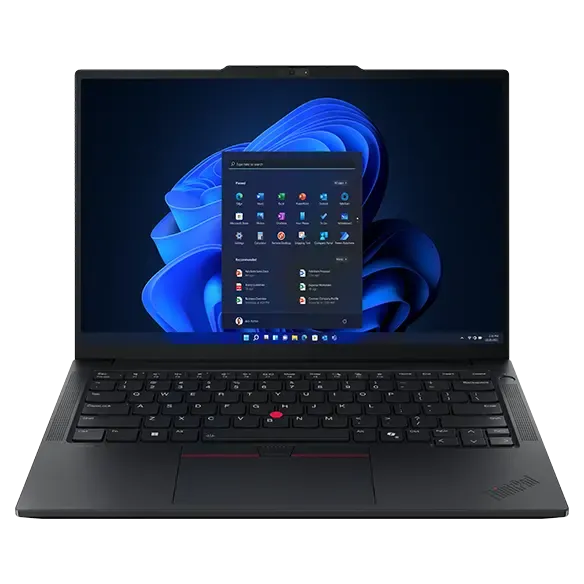
Lenovo ThinkPad E14 Gen 7 (AMD)
- CPU / RAM
- AMD Ryzen AI 300 or Intel Core Ultra 5 / 16GB DDR5
- Display
- 14" IPS 60Hz
- Battery
- ~10 hr
- Price
- $699.00$849.00 — AMD Ryzen AI 300 / 16GB / 512GB — top E14 Gen 7 config
Best for: Business-grade durability + best-in-class keyboard under $850.
ThinkPad keyboard + TrackPoint + full port selection (USB-A, HDMI, USB-C).
Dim 60Hz IPS display feels dated for 2026.
Dell 14 Plus
- CPU / RAM
- Intel Core Ultra 7 / 16GB
- Display
- 14" 2240×1400 IPS
- Battery
- 13+ hr
- Price
- $699.00$1,099 — Intel Core Ultra 7 / 2240×1400 / 16GB — was $1,099 MSRP
Best for: Devs who want a 2.5K display without paying premium-ultrabook prices.
2240×1400 display quality is exceptional for the price tier.
RAM soldered on some SKUs; check spec sheet before ordering.
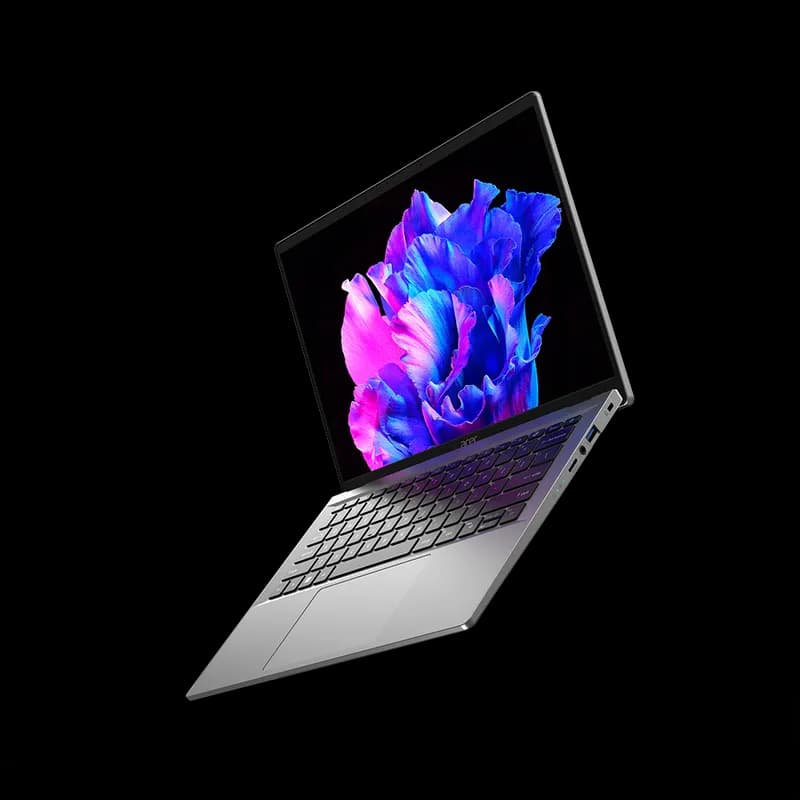
Acer Swift Go 14
- CPU / RAM
- Intel Core Ultra 7 / 16GB LPDDR5 (soldered on many SKUs)
- Display
- 14" OLED
- Battery
- ~10 hr
- Price
- $799.00
Best for: The cheapest way into an OLED coding laptop in 2026.
OLED display at this price tier is genuinely uncommon.
RAM is soldered in many SKUs — verify upgrade path per specific SKU.
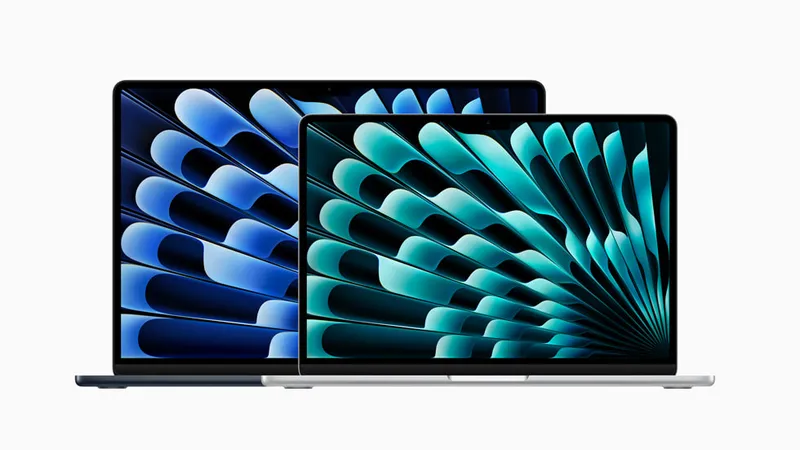
MacBook Air M3 16GB (Certified Refurb)
- CPU / RAM
- Apple M3 / 16GB unified memory
- Display
- 13.6" LED Liquid Retina
- Battery
- 18 hr
- Price
- $679.00$800.00 — 16GB unified memory / 256GB SSD — never buy the 8GB config
Best for: macOS devs on a budget — the 16GB config, never the 8GB.
Fanless silent design; genuine 18-hour battery; UNIX-native macOS.
Apple refurb now stocks M4 models; M3 16GB available via third-party certified refurb (Back Market, Swappa). Storage is soldered — 256GB is tight.
HP OmniBook X Gen 1 (Snapdragon X Elite)
- CPU / RAM
- Qualcomm Snapdragon X Elite / 16GB LPDDR5x
- Display
- 14" IPS
- Battery
- 22 hr
- Price
- $700.00$850.00 — Snapdragon X Elite / 16GB LPDDR5x / 512GB NVMe
Best for: Battery-life obsessed devs who don't need Docker Desktop today.
22-hour real-world battery is class-leading; WSL2 runs excellently.
Docker Desktop for ARM Windows still requires the beta installer.
Ready to invest in a premium machine? If your budget has grown or you want a laptop that will not feel slow in three years, see our best programming laptops guide — covering MacBook Pro M5, ThinkPad X1 Carbon Gen 14, and Framework Laptop 16 with GPU module.
Considering a desktop instead? A Mac Mini M4 Pro or a mini-PC often delivers more performance per dollar at a fixed desk. Our best computers for programming guide covers laptops, desktops, and mini-PCs side-by-side.
How we picked
We checked pricing on manufacturer sites and major retailers in July 2026. No placement is sponsored — every pick is here on developer merit. We prioritized user-upgradeability (dual SODIMM slots, replaceable M.2 drives), a full port selection (USB-A, HDMI, USB-C), keyboard quality, Linux compatibility, and ARM developer tooling support where relevant. Machines that ship with 8GB RAM or fully soldered, non-upgradeable storage received significant demerits even when the base price looked attractive.
Frequently asked questions
Is 8GB RAM enough for coding in 2026?
No. VS Code, Chrome (10 tabs), a Node dev server, and one Docker container puts a 2026 dev workstation at roughly 10GB minimum working set. 16GB is the entry floor for a smooth experience — 8GB shows its limits the moment you open a second browser profile or spin up a second service.
Does Docker work on Snapdragon ARM Windows laptops?
Docker Desktop for Windows on ARM64 is still a beta build — not the mainstream installer — as of July 2026. Node.js, Python, and .NET all run natively and well. Verify that your team's container images support arm64 before switching, and check that Docker Desktop's ARM beta is stable enough for your workflow.
Should I buy a refurbished MacBook or a new Windows laptop?
For macOS or iOS development: a refurbished MacBook Air M3 16GB from a trusted certified refurb source wins. For cross-platform web development with Docker and Linux tooling: a new Windows or Linux laptop under $900 gives you more headroom in RAM upgradeability and storage. Note that Apple refurb now stocks newer M4 models, so M3 16GB units come from third-party certified sellers.
Is Framework Laptop 13 worth the DIY assembly?
Yes, if repairability matters to you long-term. The assembly takes roughly 20 minutes and is thoroughly documented by Framework. Every part — display, battery, ports, and even the mainboard — is later user-serviceable. Skip it if you want a laptop you plan to never open, or if the all-in configured price above $1,000 pushes you over budget.
What is the minimum spec for React, Node, and Docker in 2026?
16GB RAM, 512GB SSD (NVMe Gen 3 or faster), and 8+ CPU cores. Anything below that caps you to smaller monorepos and single Docker containers at a time. A fast NVMe drive matters nearly as much as RAM — slow eMMC or SATA storage makes npm install and tsc noticeably painful at scale.
Disclosure: some links on this page are affiliate links. We may earn a commission if you purchase through them, at no extra cost to you. Prices were verified in July 2026 — check each retailer for current pricing. Laptop prices and availability change frequently.