
Last updated: July 2026
The 7 Best Programming Laptops in 2026
The $1,500–$4,000 premium bracket is where money starts buying real developer productivity gains: Apple M-series Silicon with ProMotion displays, NVIDIA RTX 5070 GPU modules for local CUDA workloads, and Qualcomm Snapdragon X2 Elite for 18-hour Windows battery life. This guide cuts through the noise for mid-career developers picking a primary workstation — not a budget starter, but the machine you want to carry for three-plus years.
Disclosure: some links in this article are affiliate links. If you sign up through one, I may earn a commission at no extra cost to you.
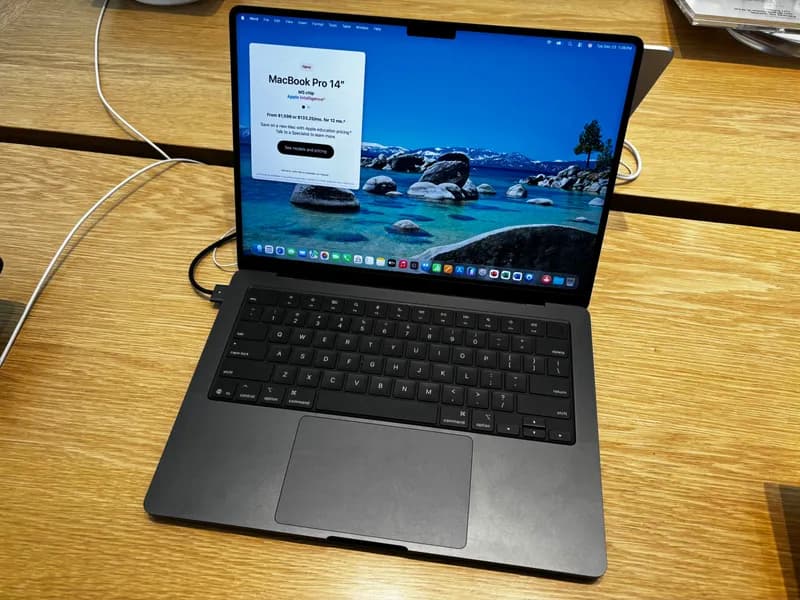
MacBook Pro 14" M5 Pro
The default recommendation for most professional developers in 2026.
$2,199from
Check price →- Prices verified July 2026
- 7 laptops compared
- No sponsored placement
MacBook Pro 14" M5 Pro
Editor's Pick- CPU / RAM
- Apple M5 Pro (18-core CPU) / 24GB unified
- Display
- 14.2" ProMotion Liquid Retina XDR 120Hz
- Battery
- 17hr
- Price
- $2,199$2,199 — 24GB / 1TB base is well-configured
Best for: The default recommendation for most professional developers in 2026.
Best perf-per-watt on any laptop; 17hr real-world battery.
RAM/SSD upgrade tax jumped ~50–67% vs M4 generation.
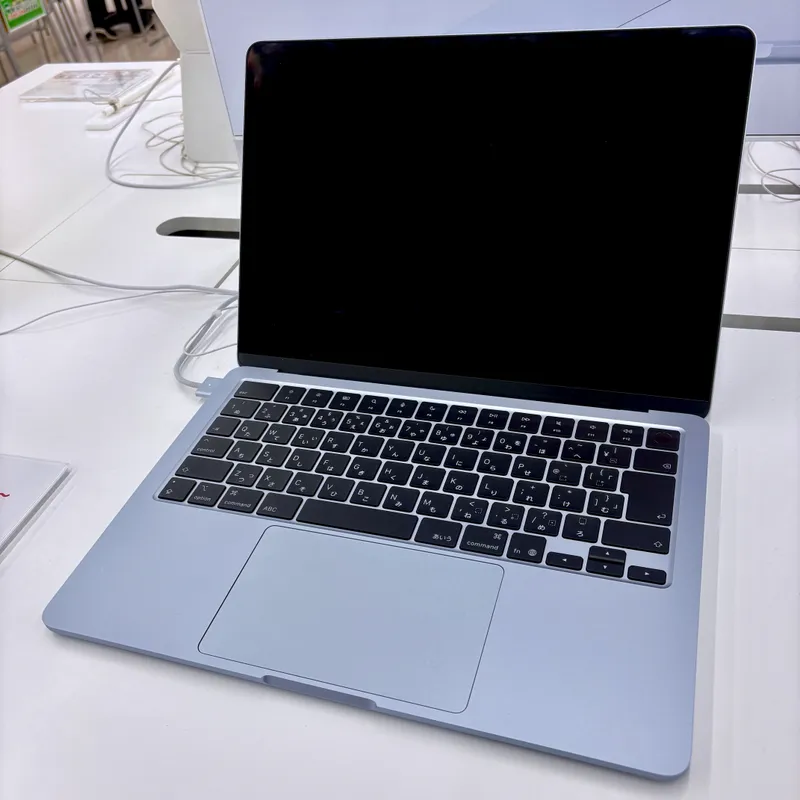
MacBook Air M5 13"
- CPU / RAM
- Apple M5 (10-core CPU) / 16GB unified
- Display
- 13.6" LED
- Battery
- 18hr
- Price
- $1,299
Best for: The lightest capable Mac for full-stack web dev.
Fanless silent design; 4x AI perf vs M4 Neural Engine.
Thermal throttles under sustained 15+ min compile loads.
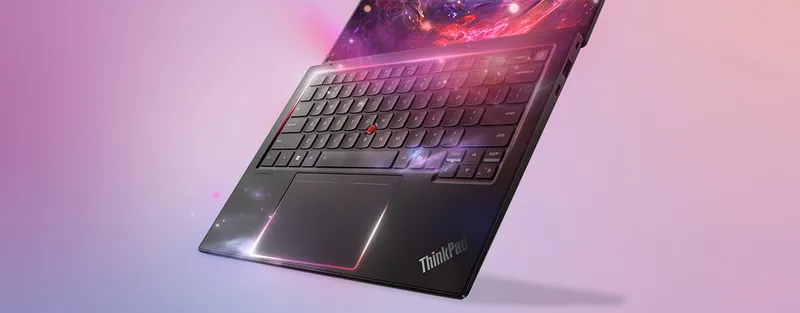
Lenovo ThinkPad X1 Carbon Gen 14 Aura
- CPU / RAM
- Intel Core Ultra 7 (Panther Lake) / Up to 32GB LPDDR5x-8533
- Display
- 14" 120Hz VRR OLED option
- Battery
- 15hr
- Price
- $1,884$2,200 — Intel Core Ultra 7 + 32GB + OLED VRR
Best for: Business travelers who need sub-1kg + legendary keyboard.
iFixit 9/10 repairability score; 120Hz VRR OLED option.
Panther Lake is new; some Linux kernel driver support still maturing.
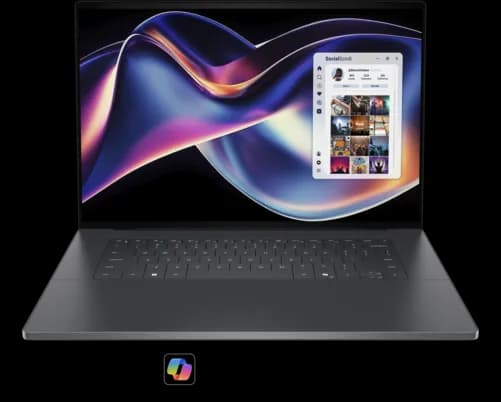
Dell XPS 16 (2026)
- CPU / RAM
- Intel Core Ultra X7 358H / Up to 32GB LPDDR5x
- Display
- 16.3" Tandem OLED 3200×2000
- Battery
- 12hr
- Price
- $1,929$2,859 — 32GB / 1TB / Tandem OLED
Best for: Creators + devs who want a 16" OLED workstation.
Tandem OLED at 3200×2000 is class-leading for the price.
Keyboard layout still draws complaints; USB-C ports only — bring a hub.
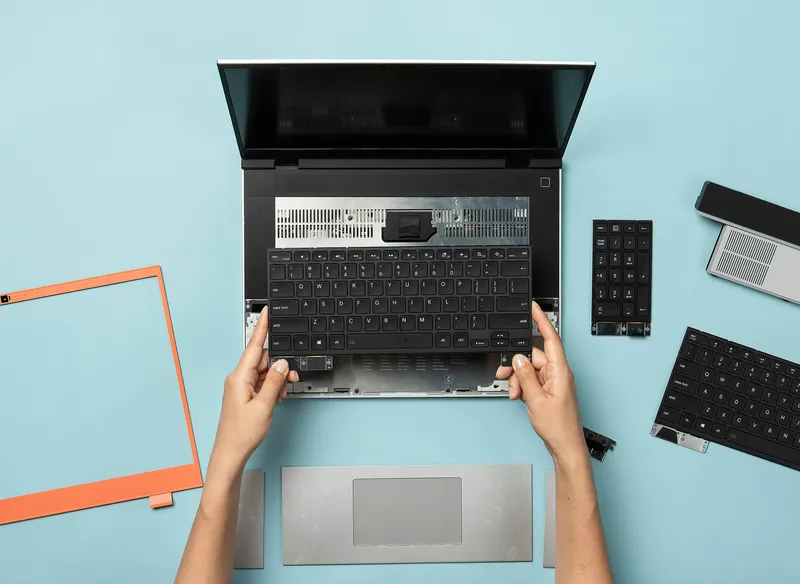
Framework Laptop 16 + RTX 5070 GPU module
- CPU / RAM
- AMD Ryzen AI 9 HX 370 / 32GB DDR5
- Display
- 16" QHD+ 165Hz
- Battery
- ~6hr (dGPU active)
- Price
- $2,100$2,200 — Ryzen AI 9 HX 370 + RTX 5070 module + 32GB + 1TB
Best for: The only laptop with a user-swappable GPU module.
RTX 5070 enables CUDA local model training; every part swappable.
Battery life average when dGPU active; gaming-laptop form factor.
HP OmniBook Ultra 14 (Snapdragon X2 Elite)
- CPU / RAM
- Qualcomm Snapdragon X2 Elite / 32GB / 64GB LPDDR5x
- Display
- 14" 3K OLED
- Battery
- 18hr
- Price
- $1,719$2,399 — 64GB LPDDR5x config
Best for: Windows devs who want 18hr battery + top-of-line ARM perf.
80 TOPS NPU (2x original X Elite); Geekbench 6 single-core 3,942.
Docker Desktop still requires ARM beta installer.
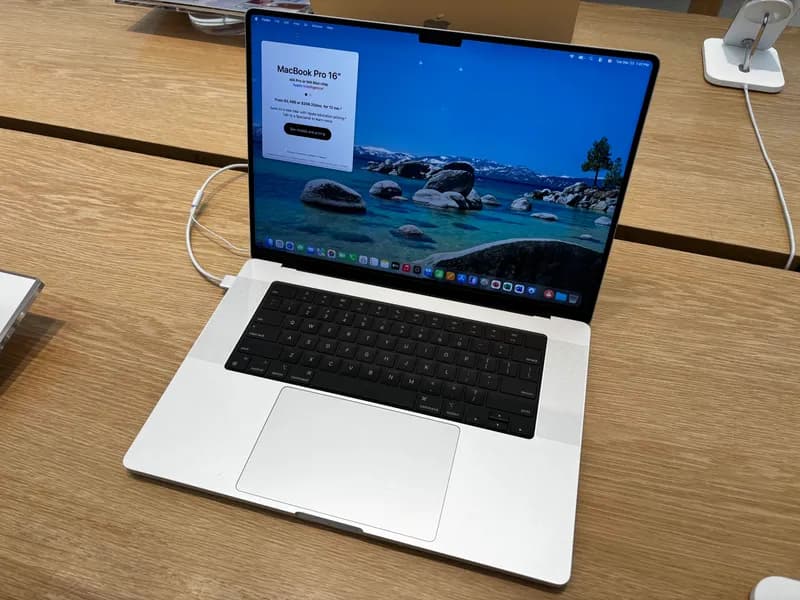
MacBook Pro 16" M5 Max
- CPU / RAM
- Apple M5 Max (40-core GPU, 614 GB/s memory bandwidth) / 48GB / up to 128GB unified
- Display
- 16.2" ProMotion XDR
- Battery
- 21hr
- Price
- $3,899$4,299 — 64GB unified memory recommended for 70B LLM inference
Best for: AI/ML devs running local 70B+ language models.
Up to 128GB unified memory doubles as GPU VRAM — real-time 70B inference.
Maxed config hits $10,149; base is steep at $3,899.
Looking for a budget pick under $900? Our best budget programming laptops guide covers seven developer-vetted picks — including the Lenovo IdeaPad Slim 5 Gen 9 and Framework 13 DIY — for students and early-career developers who need capable hardware without the premium tax.
Considering a desktop or mini-PC instead? Our best computers for programming guide covers ten machines across laptops, desktops, and mini-PCs — including the Mac Mini M4 Pro, Framework Desktop, and Mac Studio — for developers who want the full workstation picture.
How we picked
Every laptop here was evaluated against three developer-specific criteria: sustained compile performance under thermal constraints (not just peak burst), RAM headroom for Docker, Node.js, and local LLM inference running simultaneously, and display quality for eight-plus hour coding sessions. Prices were verified against official manufacturer and retailer pages in July 2026. No placement is sponsored — affiliate commissions are earned on purchase, not on placement order. Build quality, keyboard feel, and repairability scores were weighted alongside benchmark data.
Frequently asked questions
MacBook Pro M5 Pro vs M5 Max — which for a full-stack dev?
For web dev + iOS + Docker + local 13B models: M5 Pro at $2,199. Only step up to M5 Max ($3,899+) if you are routinely running 30B+ LLMs, 4K video timeline work, or heavy Xcode workspace compiles.
Is the Snapdragon X2 dev experience finally competitive in 2026?
For Node.js, Python, .NET, and WSL2 Linux dev: yes, native arm64 builds cover 95% of the workflow. Docker Desktop is the last friction point — the ARM Windows build is still a beta installer, not the mainstream download. Validate your team's containers before switching cold.
Framework 16 vs MacBook Pro — is the repairability tradeoff worth it?
Framework 16 gives you an upgradable RTX 5070 GPU module + CUDA + user-swappable everything, at $2,100 configured. MacBook Pro gives you 4x better perf-per-watt, macOS ecosystem, and 17hr battery, at $2,199+. Pick Framework if hardware longevity matters most; MacBook if the software ecosystem does.
How much RAM do I need for running local LLMs on a laptop in 2026?
8B parameter models: 16GB works. 13B: 32GB. 30B: 48GB unified memory (Apple Silicon) or 32GB VRAM (dGPU). 70B: 64–128GB unified memory (MacBook Pro M5 Max) or a dedicated inference server.
ARM vs x86 for Docker in 2026 — which do I pick?
If your team's images all publish linux/arm64 variants: either works. If you routinely pull single-arch x86 images or use x86-only tooling (some enterprise DBs, some legacy binaries): x86 (Intel/AMD Windows) still saves you emulation overhead.
Disclosure: some links on this page are affiliate links. We may earn a commission if you purchase through them, at no extra cost to you. Prices were verified in July 2026 — check each manufacturer for current pricing.